Doom Engine WAD Reader and Extractor

Note: This application supersedes the console based WAD extractor utility that I was hosting previously.

About

The Doom Engine WAD Reader and Extractor is an application designed for viewing and extracting the data found inside the Doom Engine data files known as “WAD” files.

The following features are supported:

  • Graphics (Flat, Patch and Sprite files)
    • View, Extract as PNG file, Extract raw Lump file
  • PC Speaker
    • Play, Extract as Wave file, Extract raw lump file
  • Digital Sound
    • Play, Extract as Wave file, Extract raw lump file
  • Map Files
    • View, Extract raw lump files
  • Music
    • Extract raw lump file

Screenshots

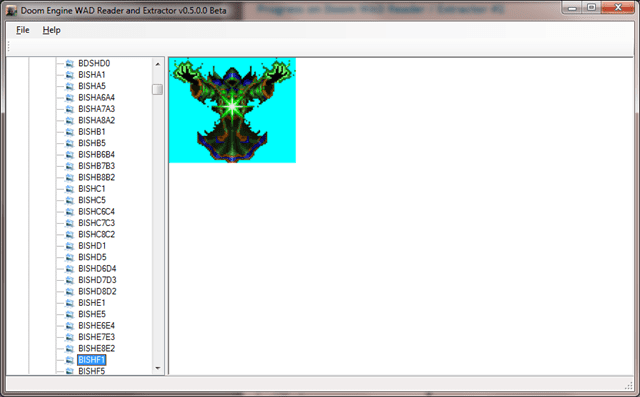
image

A creature sprite resource from Hexen
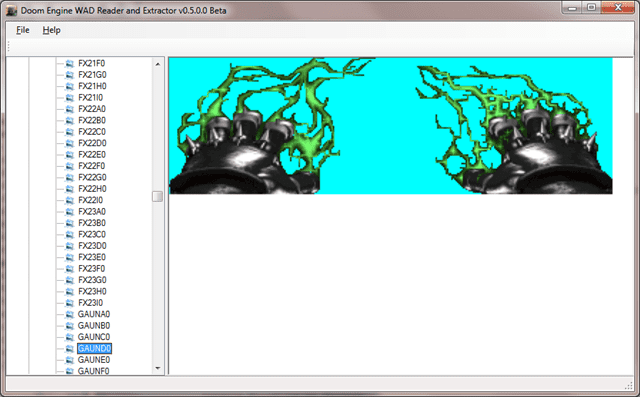
image

A Weapon sprite resource from Heretic
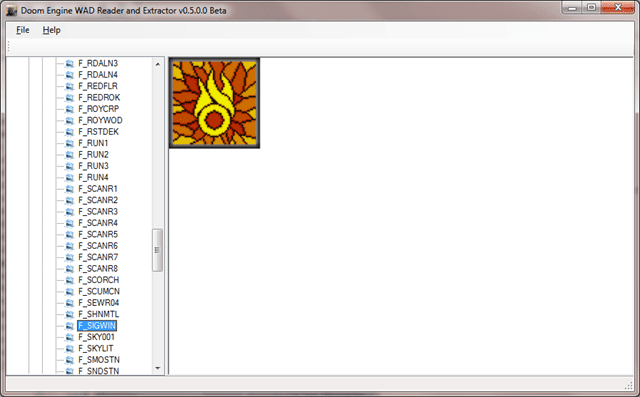
image

A “flat” image resource from Strife

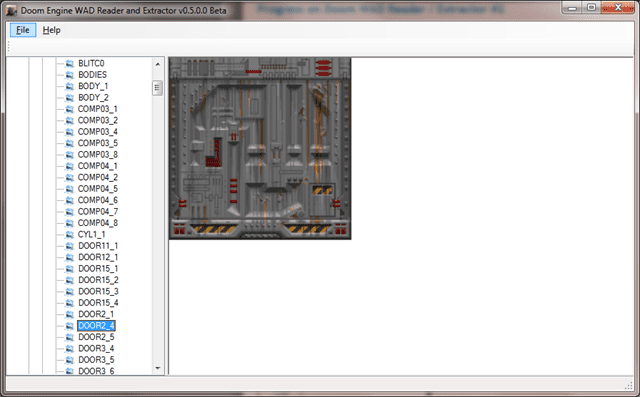
image

A patch image resource from Doom II: Hell on Earth

Downloads

19 Responses to “Doom Engine WAD Reader and Extractor”

  1. [...] to the download page for the first taste of the Doom Engine WAD Reader and Extractor (Something of a mouthful, I know. [...]

  2. [...] warm on the heels of my Doom Engine WAD Reader and Extractor program, I’ve dug out some of my really old Visual Basic 6 (VB6) code (and ported it over to C#) [...]

  3. On the DooM wad reader, first it says can’t find mscoree.dll (So I downloaded it) Now it says .NET inilatizion error.

  4. Did you download and install the entire .NET framework or just copy small parts (individual .dll files)?

    If you haven’t installed the entire .NET framework, that might be the reason. It’s probably missing parts of it or isn’t configured right.

    If you’ve installed the whole thing and it’s having issues, I’m quite honestly not sure what the problem is.

    Let me know either way.

    Best regards,
    Terry

  5. Well, I’ve downloaded the .Net Framework but when I’m suppose to run it, it says can’t run. I am using a very old laptop with Windows 2000 so it’s not sure it works. Thanks for your help anyway.

  6. how do I play the Musics (RAW format)?

  7. how do i extract all?

  8. Hey guys,

    Tom:

    This is one of the projects I’m going to release as open source, meaning that others will be able to contribute to the project, as well as allowing me to leverage the use of existing libraries and code more easily, meaning I’ll be able to provide a MUS player and extractor to MIDI, for example.

    Johan:

    I’m not sure why this is. I hope that you found a solution.

  9. [...] Book I: Chapter 2Yendorian Tales: The Tyrants of ThaineProjectsResourcesToolsAsura Engine ExtractorDoom Engine WAD Reader and ExtractorH3M Compressor / DecompressorOPN64WinProcInfoWeb DevelopmentHTML5 Canvas MD2 RendererWebGL Canvas [...]

  10. If you want to extract everything just use DeuTex. http://www.google.com/search?q=deutex

  11. Thanks, although it was the WinTex shell I used back in the Windows 3.1 days that inspired me to want to learn the Doom file formats to program this.

  12. [...] Doom Engine WAD Reader and Extractor by Terry Comments (1) LikeBe the first to like this post.1 Comment » [...]

  13. “This is one of the projects I’m going to release as open source”

    That will be Greatful!!

  14. HI Versus,

    I will get around to it eventually, I promise. I was hoping to go through the code and fix up a bunch of stuff first though and remove some stuff.

    I will post about it when I do!

  15. Man, you’re GREAT! This is what i was looking for. THANKS! :D

  16. Hi Dargor, thanks for posting! :)

    I have every intention of improving this one day as well as releasing it as open source–after I clean up some embarrassing crappy code that is ;) –which I’m hoping will also go a long way to improving it.

    The extraction process is something I really hoped to improved as it’s somewhat shoddy at the moment!

    Best regards
    Terry

  17. [...] Terry Butler » Doom Engine WAD Reader and ExtractorDoom Engine WAD Reader and Extractor. Note: This application supersedes the console based WAD extractor utility that I was hosting previously. [...]

  18. Hey terry i search for this kind of program almost a day and finally founded… i have just one problem when i extract the maps like you say at the beginin is a raw lump file can i open those files with some drawing editor?? if you know which can you tell me please??

    Doink

  19. Hi Doink

    You won’t be able to open those in any drawing editor that I know of. What really needs to be done I imagine is to translate the Doom map to something like SVG.

    It would be pretty cool to do, I will admit. I don’t have the time right now but I’ll see if time permits soon to do something.

Leave a Reply